
Stop Guessing.
Start Nailing It.

They've been telling you all year. You just needed somewhere to put it.
Free. Pair in 30 seconds. No account.
Birthdays, handled
Your list. Their list.
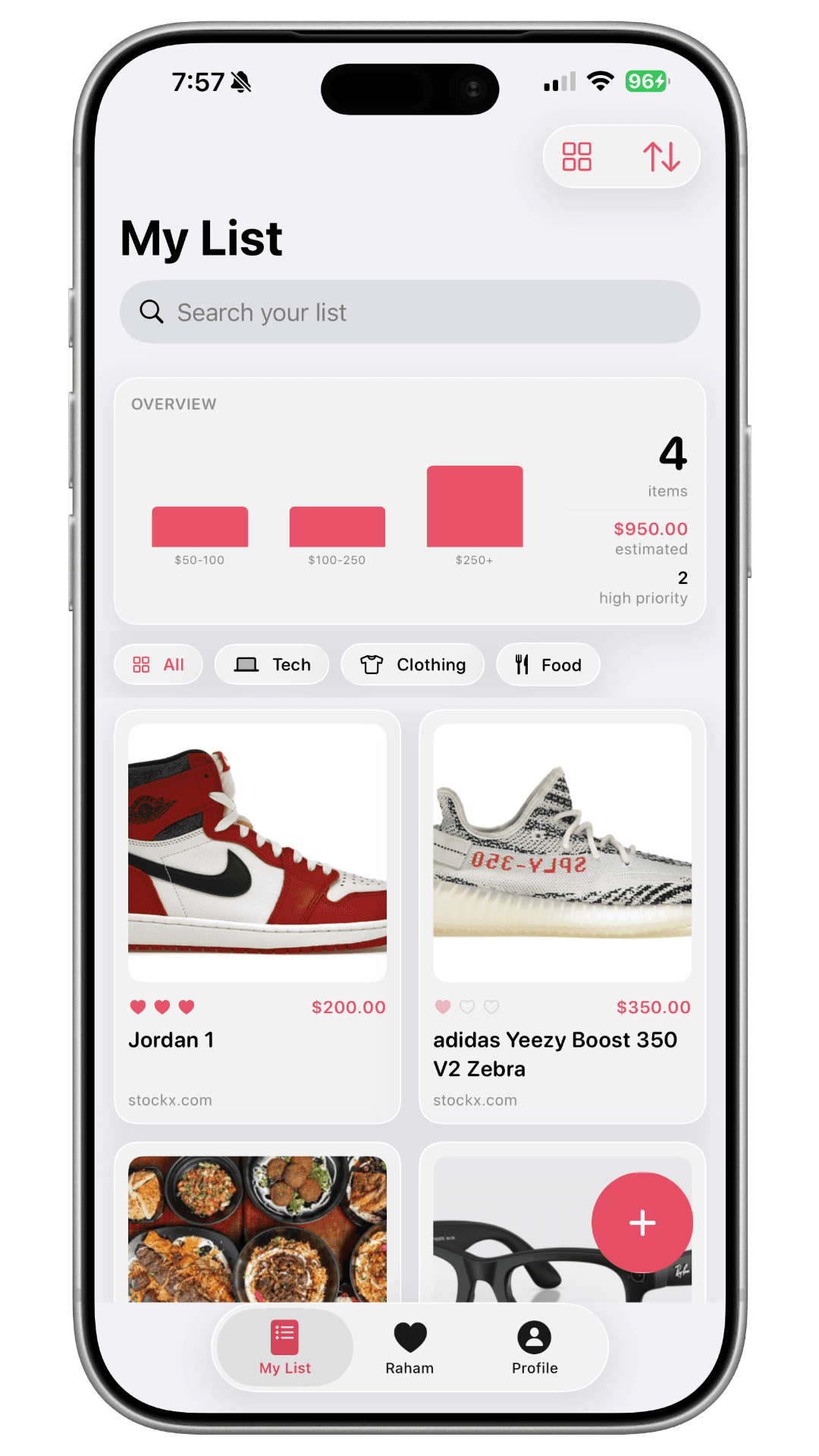
They drop in what they want, all year. You see it long before you need it.
Save the surprise
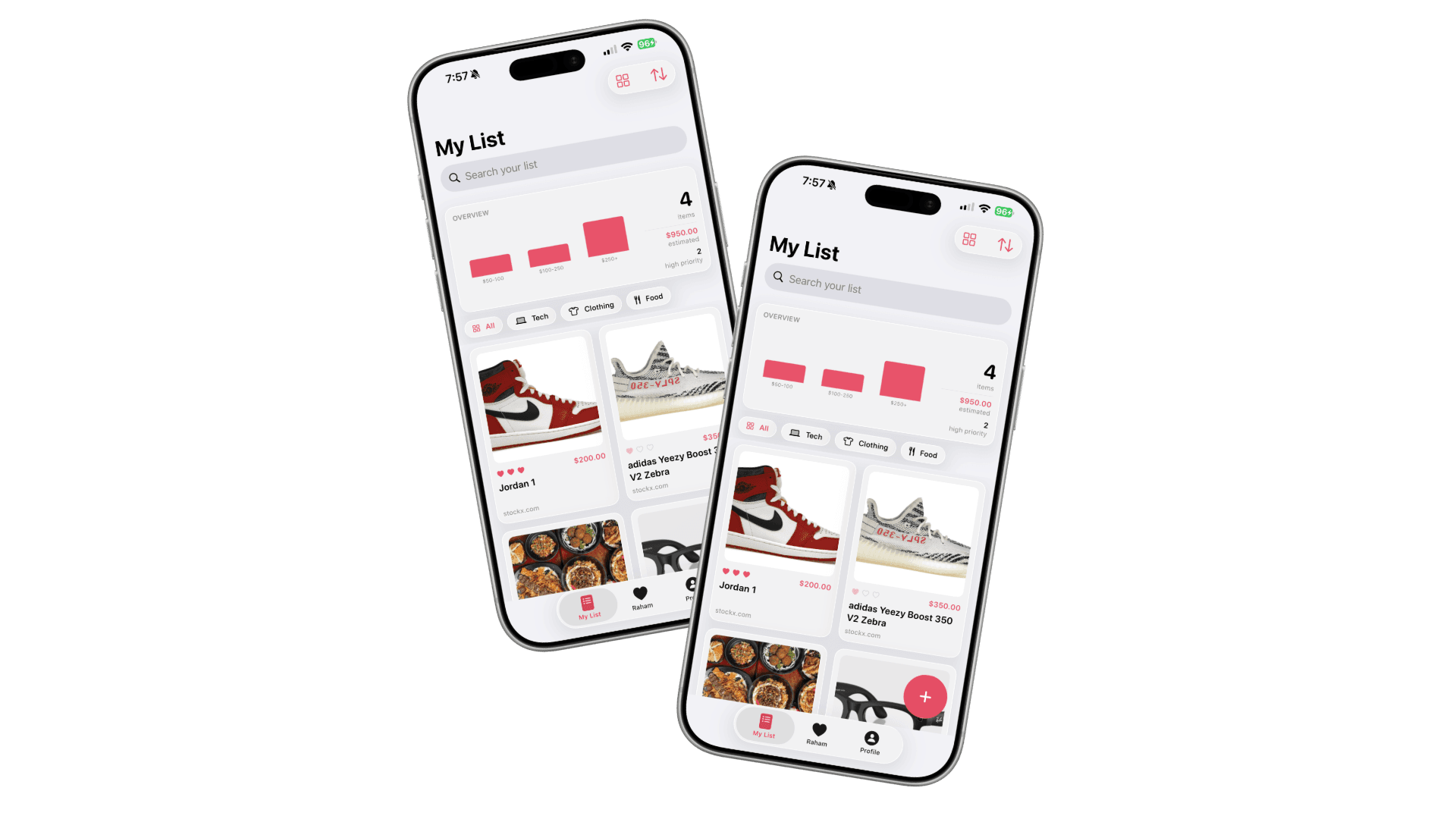
One list, two views.
What Theo sees on his own list
No checks, no claim hints. Nothing changes for him.
What you see on Theo’s list
A quiet rose check on the one you’ve claimed.
He never sees what’s coming. You never double up on what’s already wrapped.
How it works
Like you’ve been paying attention.
Catch it before you forget.
Paste a link or jot a thought. Title and image fill in for you.
Buy it. They never know.
Tap claim. A rose check appears only on your side, never on theirs.
Only you see this check. They’ll never know.
Your lists live in your iCloud, not ours.
No accounts, no servers, just CloudKit. What you want stays between the two of you.
End the screenshot graveyard
See it. Save it.
Hit Share on any link, pick Listmates. Title and image fill themselves.
Know you’ve done enough
How much you’ve covered.
One glance tells you if you’re set or one stop short.
On your own list
On your partner’s list
For every reason you give
Every occasion, handled.
- 01BirthdaysThe one you can’t blow.
- 02AnniversariesYear after year, dialed in.
- 03HolidaysChristmas without the chaos.
- 04Just becauseTuesday-night thoughtful.
The promise
Stop asking each other what you want.
Start showing up like you already knew.
Built native
Made by hand, for iOS.
Pure SwiftUI on CloudKit, with the same link-preview engine as iMessage. No React Native, no analytics SDKs, just iOS, native and quiet.
Questions
The things people ask.
Who is Listmates for?
Couples: dating, engaged, married, long-distance. The app is built around two people sharing one quiet space, with the option to claim gifts in secret. It works year-round, but tends to come out around birthdays, anniversaries, and the holidays.
Do we both need iPhones?
Yes. Listmates is built natively on iOS using CloudKit, which means it relies on each person having an Apple ID and an iPhone (or iPad). An Android version isn't on the roadmap.
What does Apple, or you, see?
Your lists live in your own iCloud, shared privately with your partner through Apple's CloudKit. We don't run servers, we don't have user accounts, and we don't have analytics that read your content. We can't see your lists, even if we wanted to.
Is it free?
Listmates is free to download and free to use for the core experience. If we add anything beyond that later, it'll be a small one-time unlock. No subscriptions, no nagging upgrade prompts.
What if we break up?
Either of you can unpair at any time, from Profile. Unpairing wipes the shared wishlist for both of you and dissolves the iCloud share, so there's nothing left to clean up later. We never had a copy on our end, because we don't run servers.
Can I move my list to a new phone?
Yes. Sign into the same iCloud account on the new device, install Listmates, and your list comes with you. There's nothing to migrate manually.
Ready when you are
Never blow it again.
One quiet place for the two of you. Free, private, and built for iPhone.
Free. Pair in 30 seconds. No account.